MediaList
Track albums, films, and books you want to experience — all in one place.
What It Does
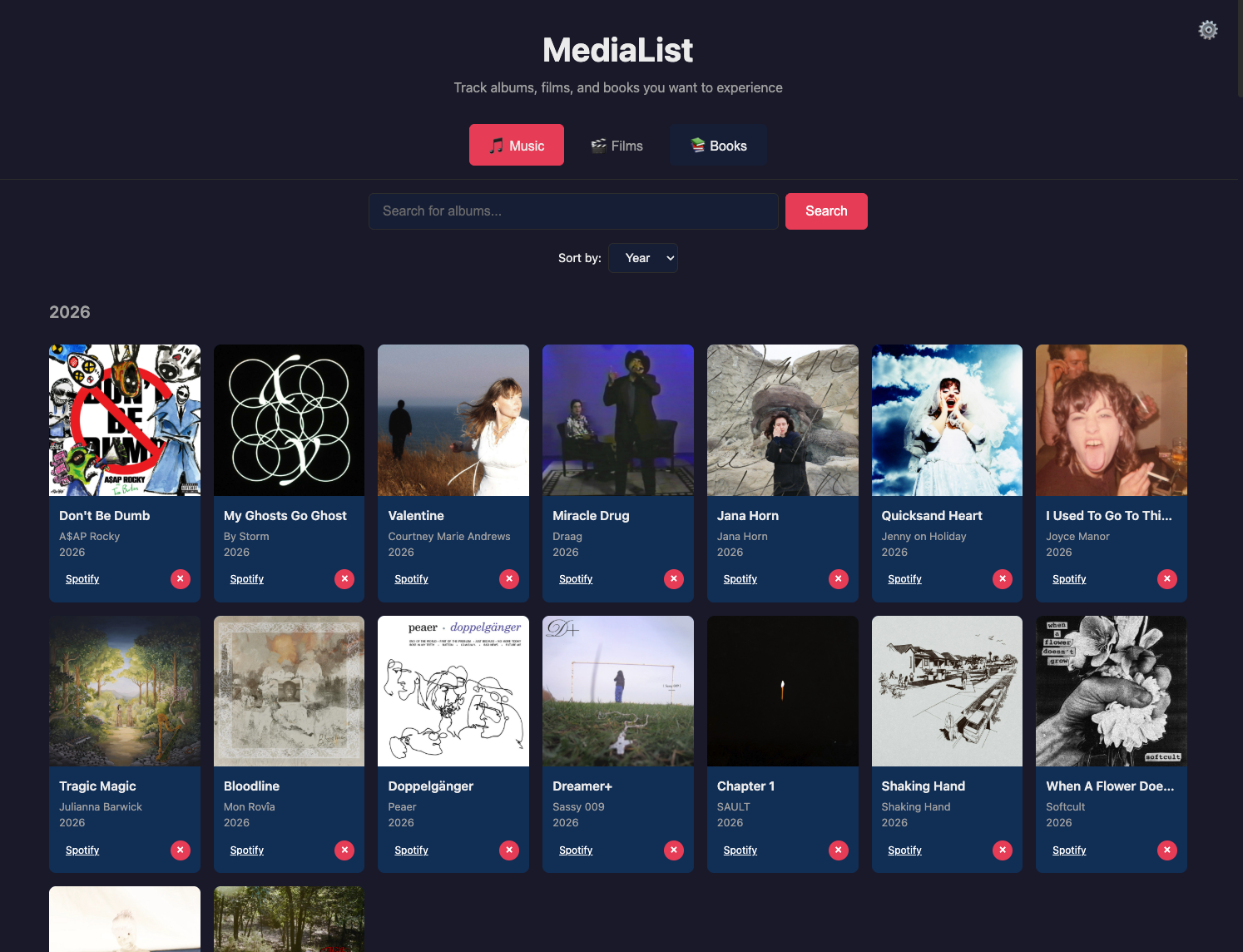
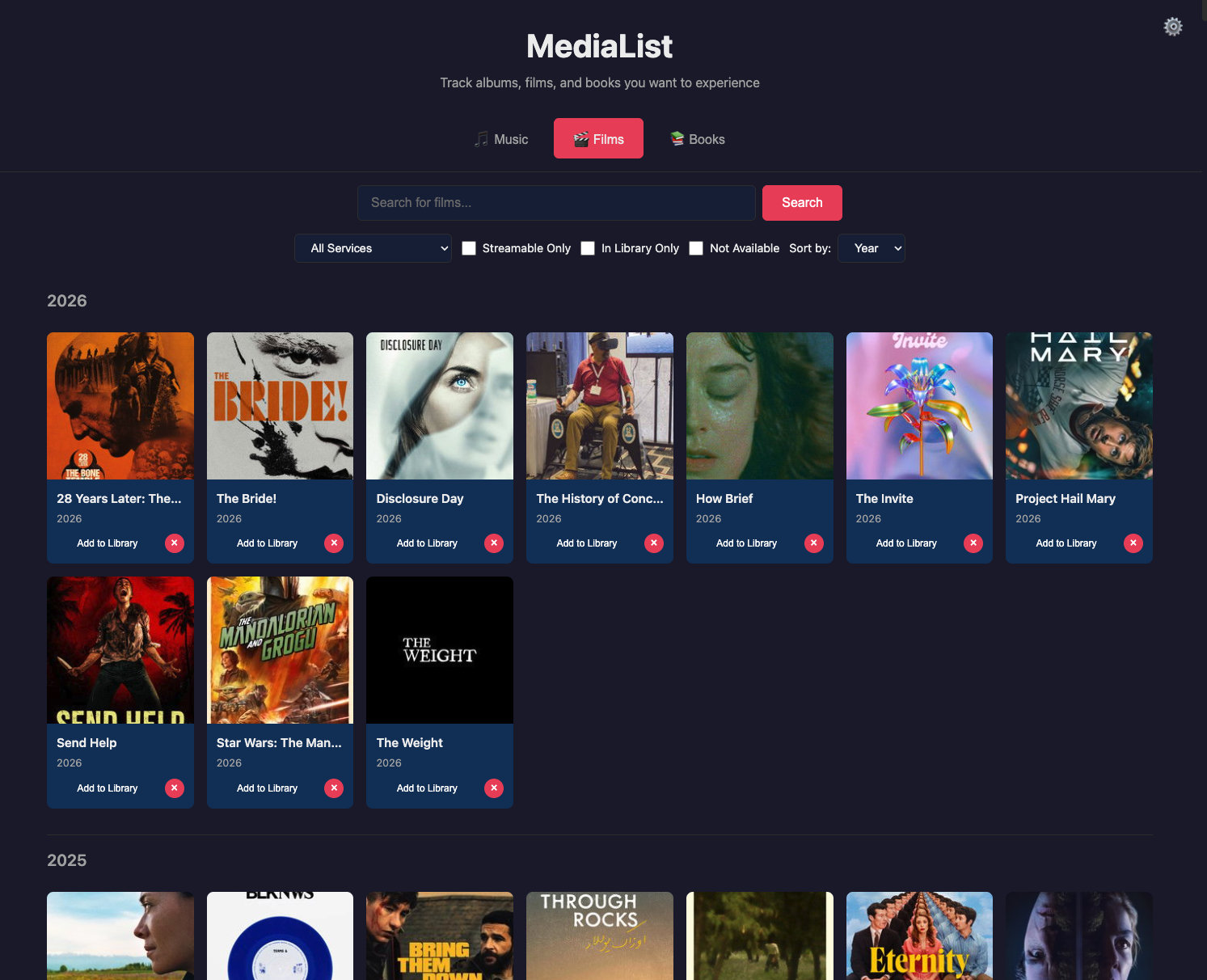
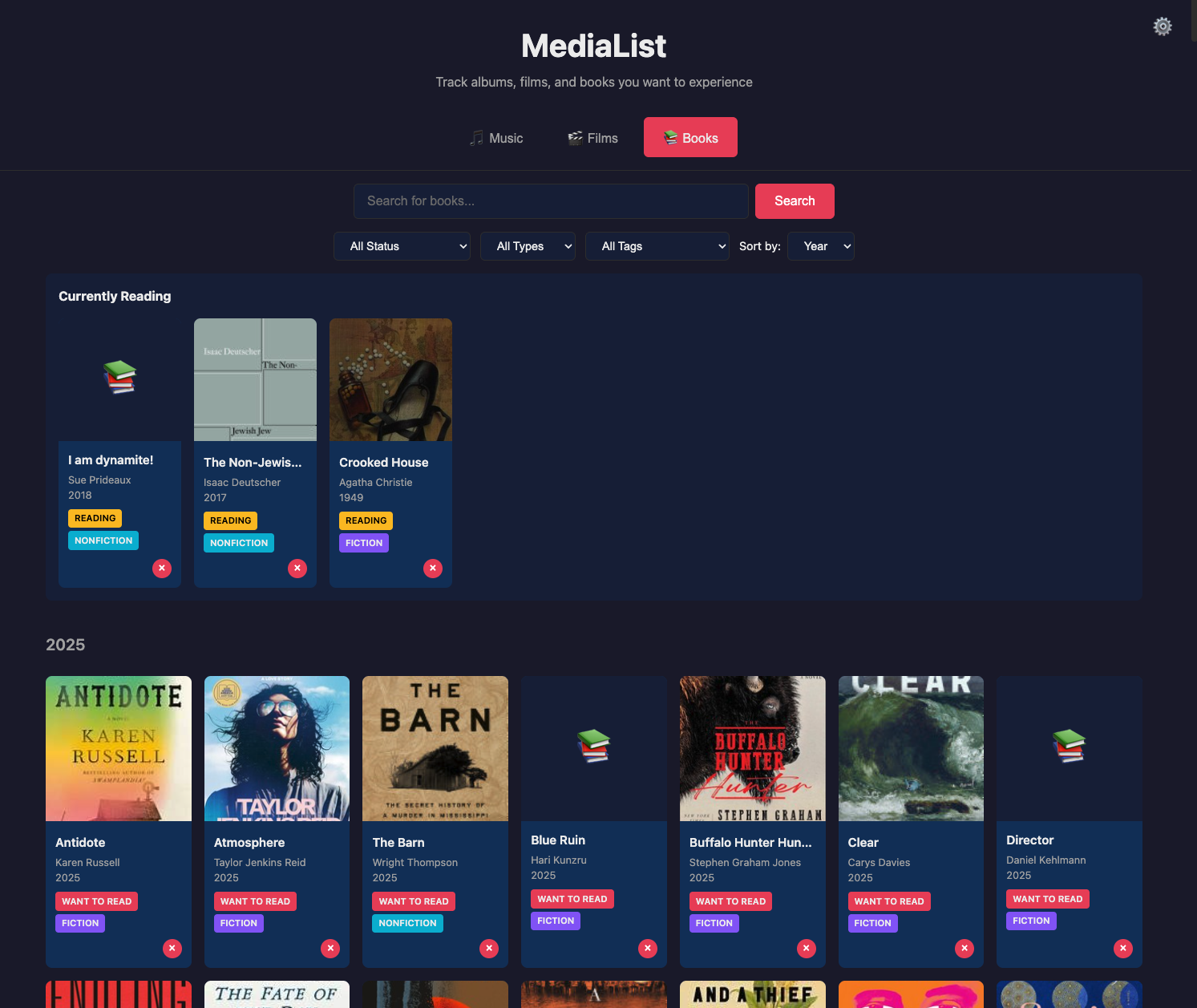
MediaList lets you keep track of all the albums, films, and books you want to experience or have already enjoyed. Search for music and it pulls in album art and details from Spotify. Look up a film and it shows you where it's streaming. Search for books and it finds them across multiple databases. Everything lives in one app.
How to Set It Up
MediaList is free and open source. You'll host your own copy so your data stays yours. It does require a bit of setup, but everything runs on free tiers — you won't need to pay for anything.
What You'll Need
You'll need to sign up for a few free services and get API keys from each. An API key is basically a password that lets the app talk to these services on your behalf.
Supabase (your database)
This is where your lists are stored. Create a free account at supabase.com, start a new project, and run the setup SQL included in the repo. You'll get a project URL and an API key.
Spotify (for music search)
Go to the Spotify Developer Dashboard, create a free app, and grab your Client ID and Client Secret. This lets MediaList search for albums.
Watchmode (for film search)
Sign up for a free key at watchmode.com. This powers the film search and shows you where movies are streaming.
Deploy to Netlify
Netlify is a free hosting service. Fork or clone the repo, connect it to your Netlify account, add your API keys as environment variables, and hit deploy. The repo's README walks you through every step.
Book search uses Open Library and Google Books, which don't require any keys — those work out of the box.
MIT License — free to use, modify, and share.